Cat 5e vs Cat 6
Picking the right Ethernet cable for your home or business network is important. Not only does cable type and category affect speed and overall performance, but it can have a drastic effect on the quality of your connection. While wireless networks are far more prone to interference than wired ones, the wrong sorts of cables can lead to a connection that is far from optimal in every sense.
Two of the most popular Ethernet cables are Cat5e and Cat6, but which is better? Costs are roughly comparable between the two, and though both can feature shielding, one has broader and grander options for protecting your network connection quality than the other.
Which is faster, Cat5e or Cat6?
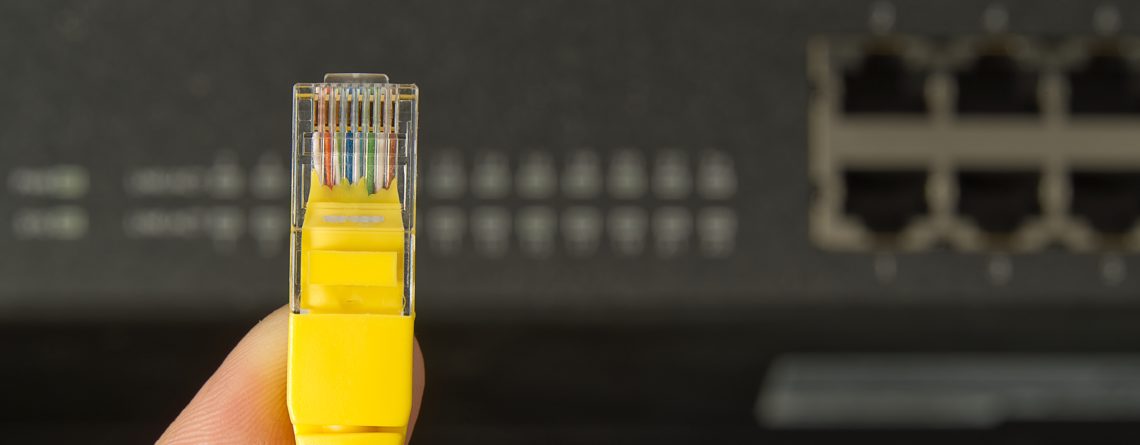
Cat5e and Cat6 cables are both twisted pair cables that support the same RJ45 end-connectors for home and business networking. You’ll find certain acronyms are commonly used to describe both of them, including “TP” for twisted pair, “S” for shielded, and “U” for unshielded. But it’s important to keep an eye out for these designations so that you can make an informed purchase, whether you’re buying from Cable Matters, or elsewhere.
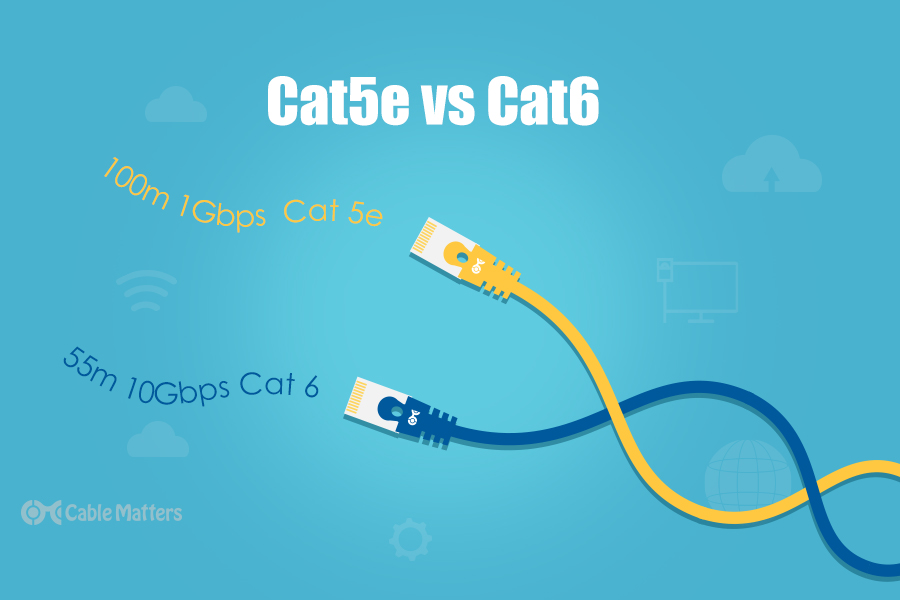
Cat5e vs Cat6 performance is an intriguing debate, because at their maximum lengths of 100 meters, there isn’t much in it. At that length, both cable types support 1Gbps transfer speeds, which is more than enough for most home networks. However, if you’re a high-bandwidth user or looking to kit out your office with faster connections, Cat6 does offer greater bandwidth at shorter cable lengths – though they’re still far longer than your average HDMI cable, for example.
At anywhere up to 55 meters, Cat6 cables can operate at up to 10Gbps. For almost all home users, that would be complete overkill. But if you need a network that’s fast and fluid with plenty of bandwidth for heaps of users transferring data around at the same time, then Cat6 cables might be the way to go.
Just make sure they aren’t too long, or you won’t be able to enjoy all the performance benefits.
Cat6 is less susceptible to interference, but don’t discount Cat5e
As the newer of the two standards, it’s perhaps no surprise that Cat6 cables typically offer better insulation for their internal wires, as well as enhanced performance. Cat5e improved its shielding over the older Cat5 standard, but Cat6 must adhere to stricter standards for crosstalk and external noise mitigation than Cat5e.
Cat6 cables achieve greater performance standards in a few different ways. The most common is the use of a “spline.” That is effectively a longitudinal separator that isolates the individual wires, which further protects against crosstalk between the 4 wire pairs. It also has the added benefit of making Cat6 cables more durable and prevents stretching. That can make them more rigid, though, so Cat6 cables with splines aren’t necessarily the best for the tightest of turns.

Some Cat6 cables use individual shielding of the internal wires, and a shield or foil around the entire wire itself.

These differing techniques are sometimes used individually, and sometimes in conjunction, for greater and lesser shielding. This is typically denoted by the name or acronym applied to the cable, so look for the “S” in its name if shielding is important to you.
When it comes to Cat5e vs.Cat6, the newer Cat6 standard offers better internal interference mitigation across the board, but some cables are better than others. For maximum performance, look out for Cat6 cables with splines and shielding included, often meeting Cat6a standards.
Cat5e is fine for most, but Cat6 is still better
Whether you’re setting up a home network, replacing old cables, or looking to enhance your workplace LAN, Cat6 cables offer more. They can support faster data transfers, are typically more durable, and they offer better options for insulation against crosstalk and internal noise. The Cat5e vs. Cat6 debate is one that’s easily won by Cat6 if you focus entirely on features.
That said, not all networks can support the higher speed of Cat6 cables. If your devices don’t support 10Gb networking, using a Cat 6 cable won’t be any faster than Cat5e. Your router needs to support it too, to take full advantage, so make sure that your network is up to scratch if you want the full Cat6 experience.
But Cat6 is entirely backwards compatible. So even if you can’t get the full speed of Cat6, you can still use the cables. They’ll just run at a slower rate. They will still enjoy the improved shielding, though.
So, if you’re wondering which to buy, Cat5e vs. Cat6, Cat6 is the better choice, especially if you want to future proof your network. Even if your network can’t support above Gigabit speeds now, it may in the future.
Reprinted from https://www.cablematters.com/blog/Networking/cat5e-vs-cat6





LEAVE A COMMENT
You must be logged in to post a comment.